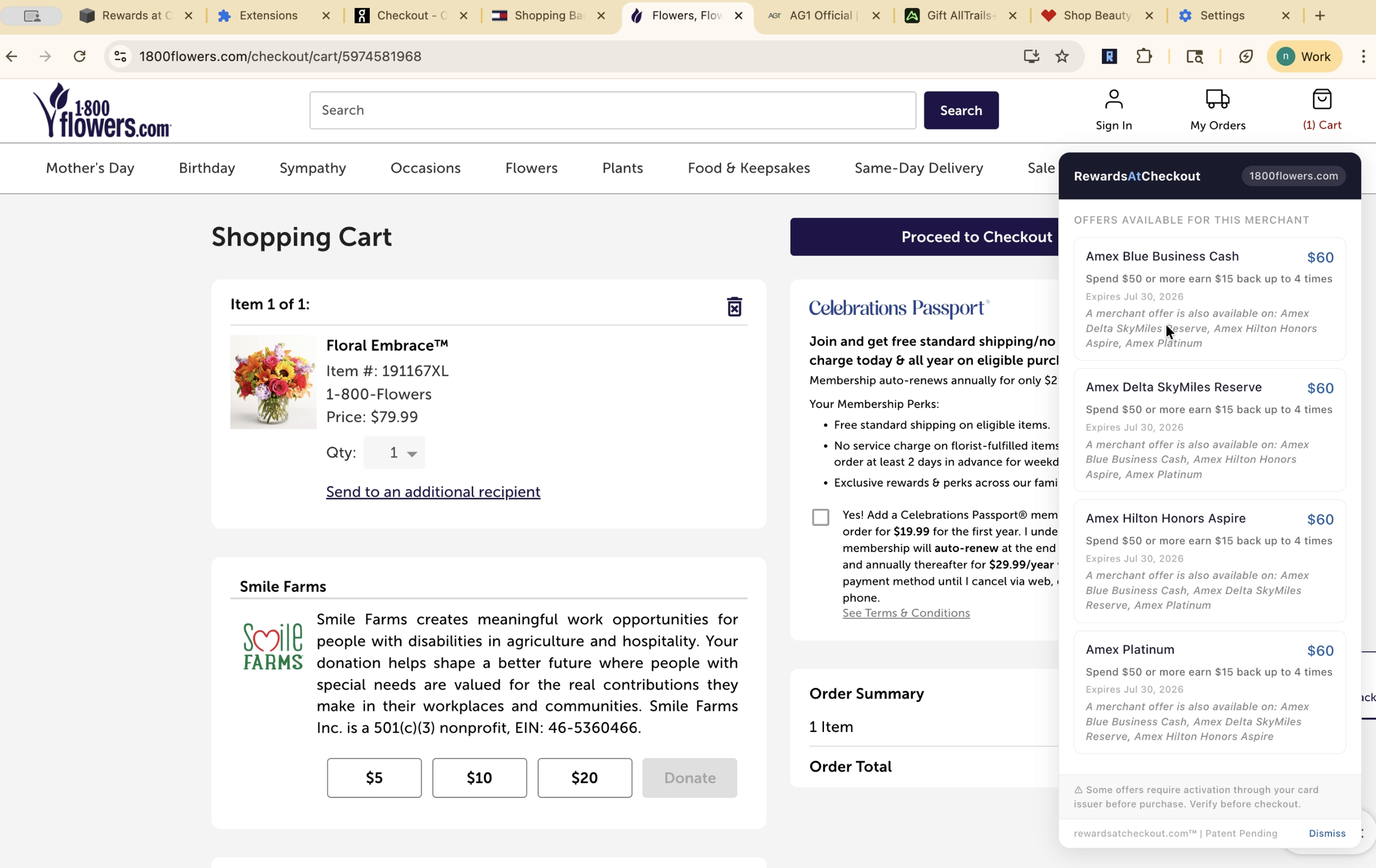
Get Started
RewardsAtCheckout is free, private, and takes about 60 seconds* to set up.
*Remember: Some card offers must first be activated directly through the card issuer in order to be eligible for rewards.
Check out this article from American Express about how to activate offers for their cards.
Watch the Walkthrough
RewardsAtCheckout gives you a heads up about cards that have offers and a friendly reminder to activate them with your card issuer.
Access the RewardsAtCheckout extension in the Chrome Web Store
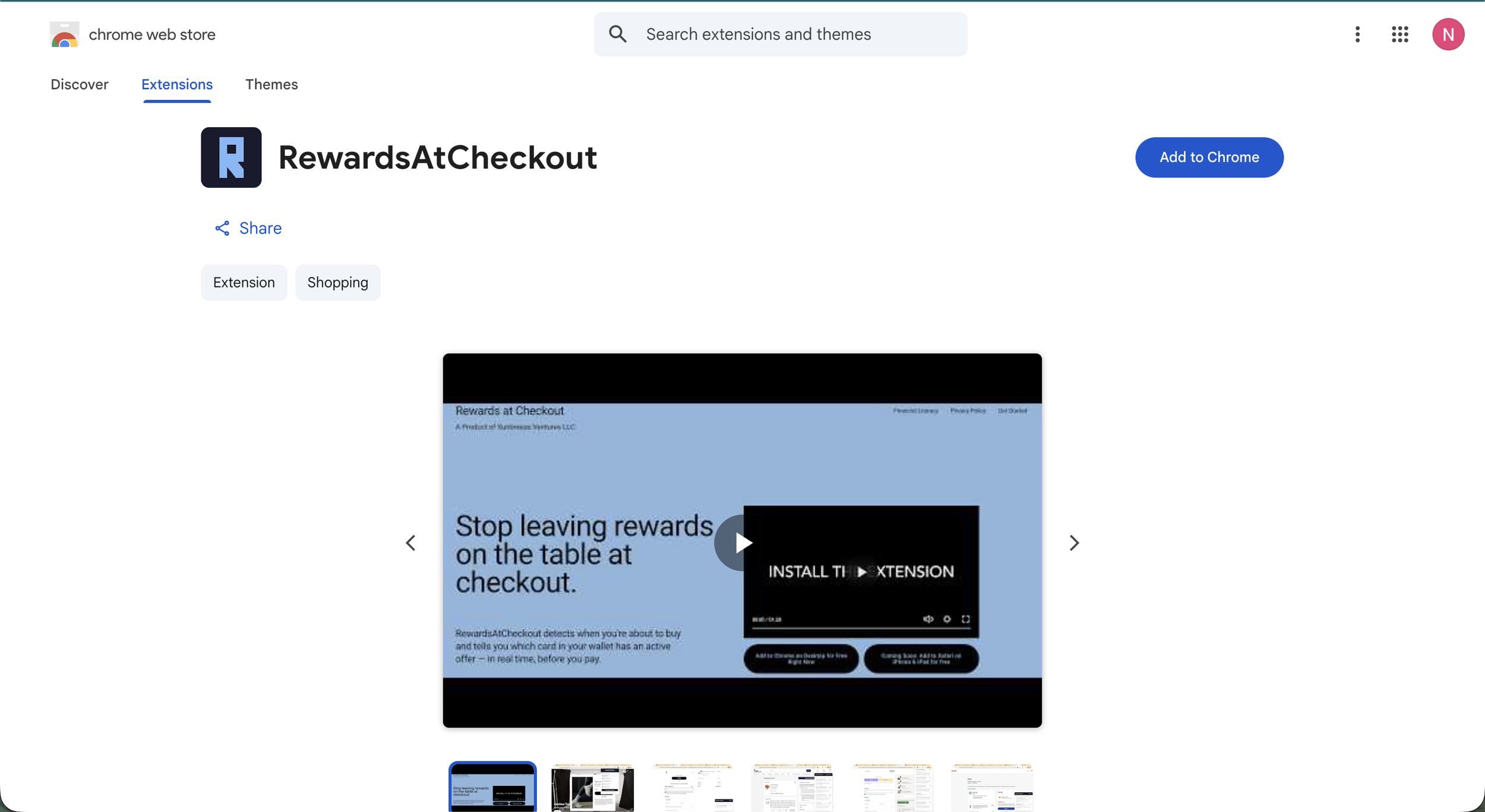
Click Add to Chrome
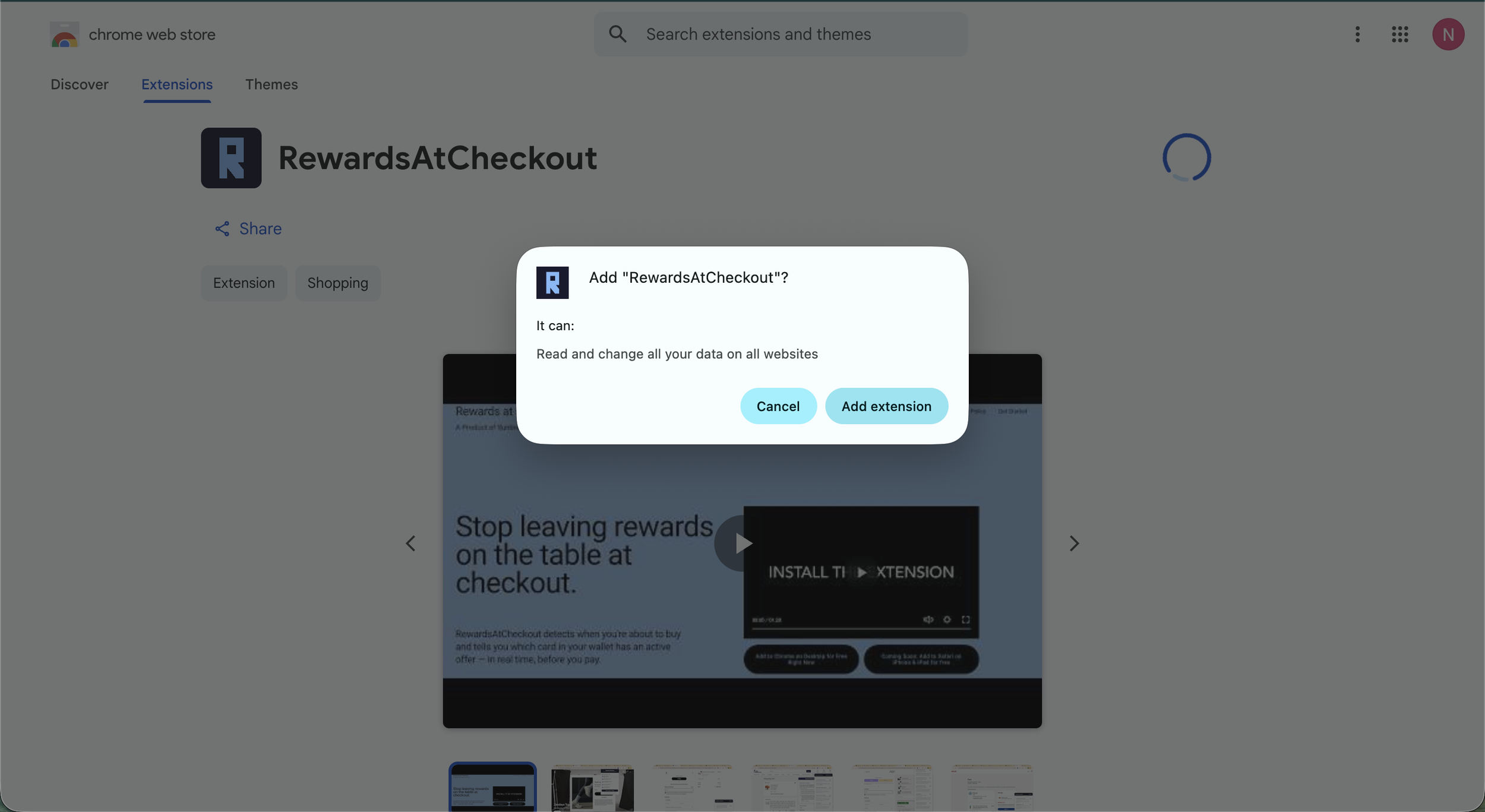
Click Add Extension
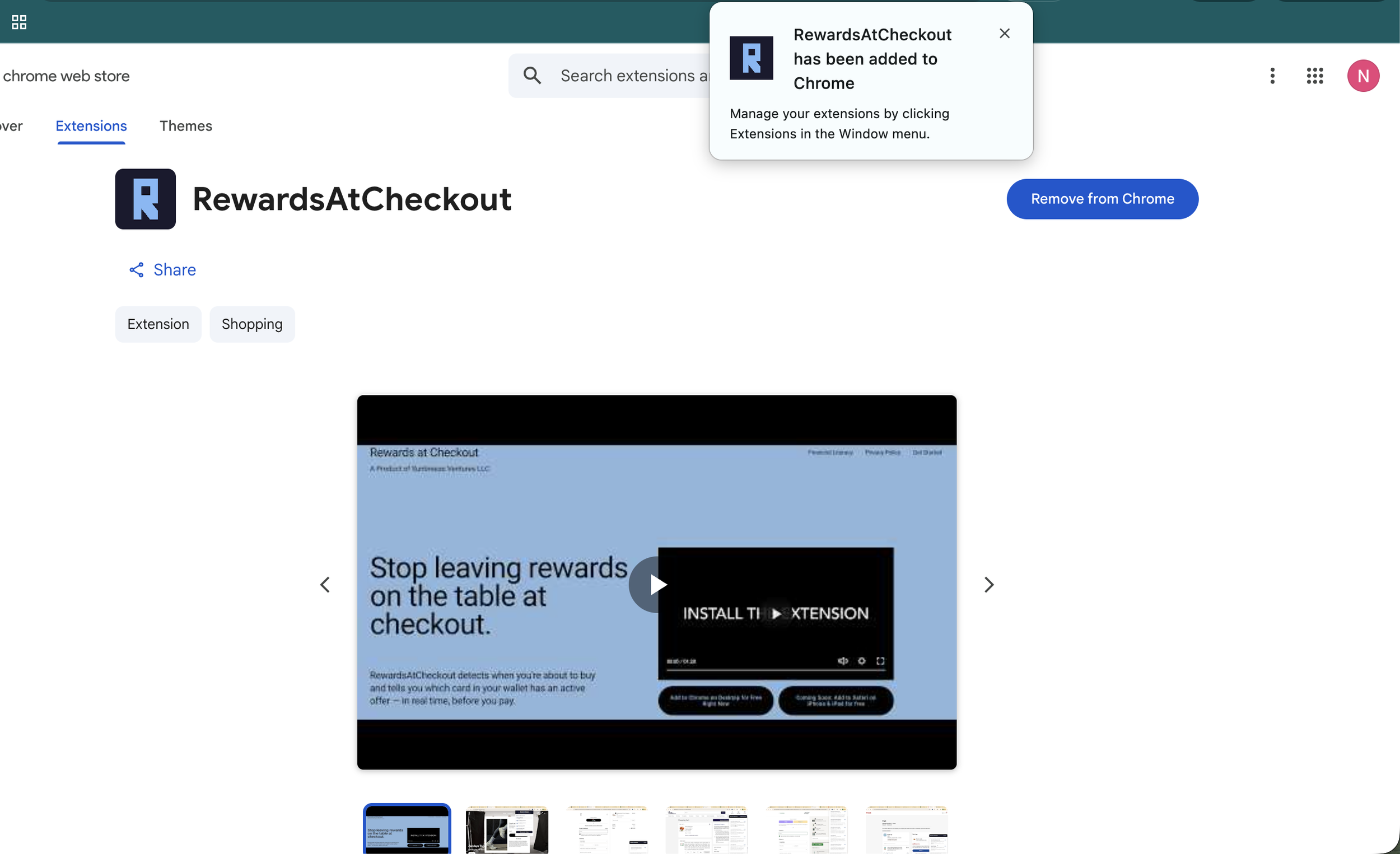
Confirm you see the message that RewardsAtCheckout has been added to Chrome
Click the RewardsAtCheckout icon to pick cards.
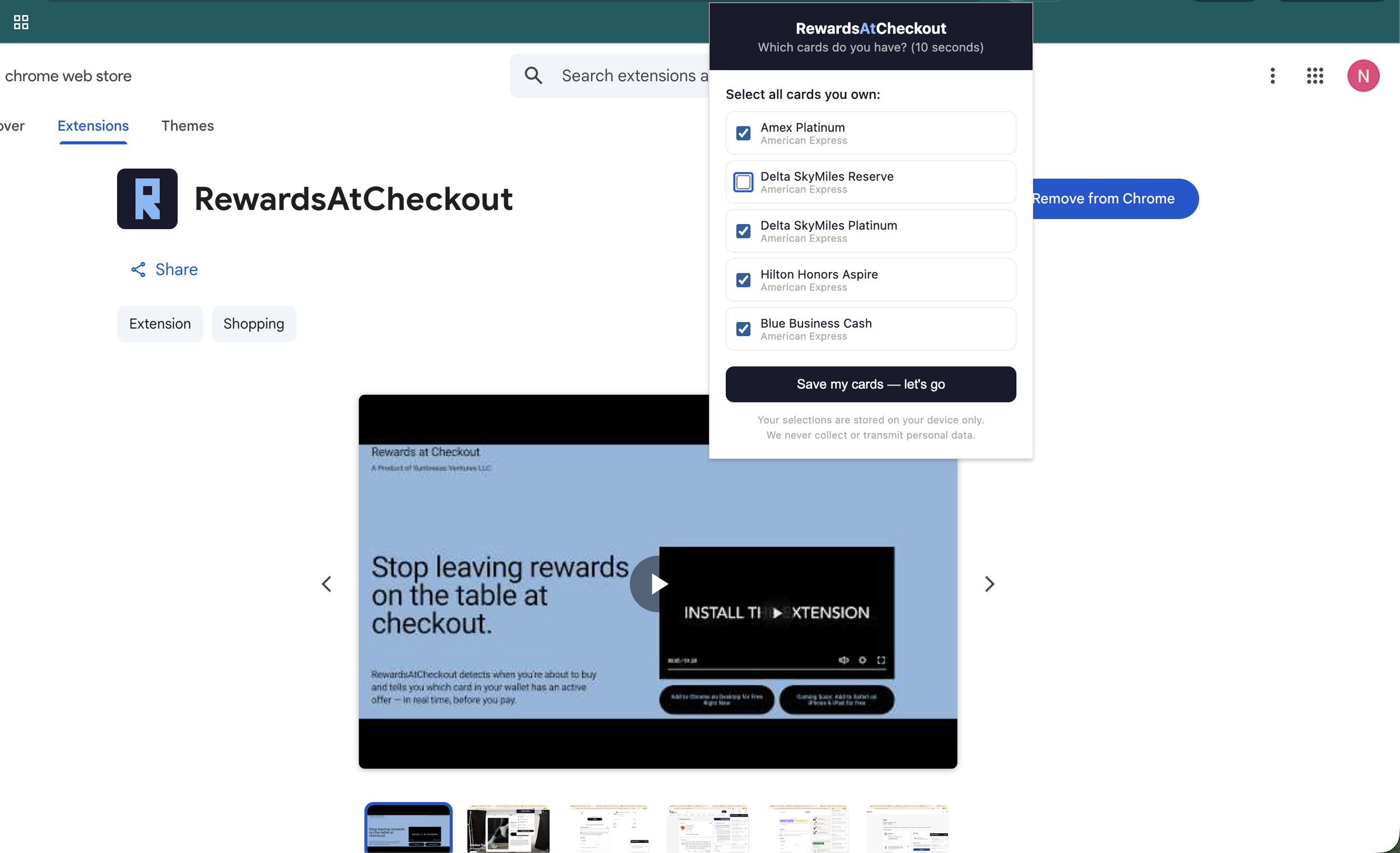
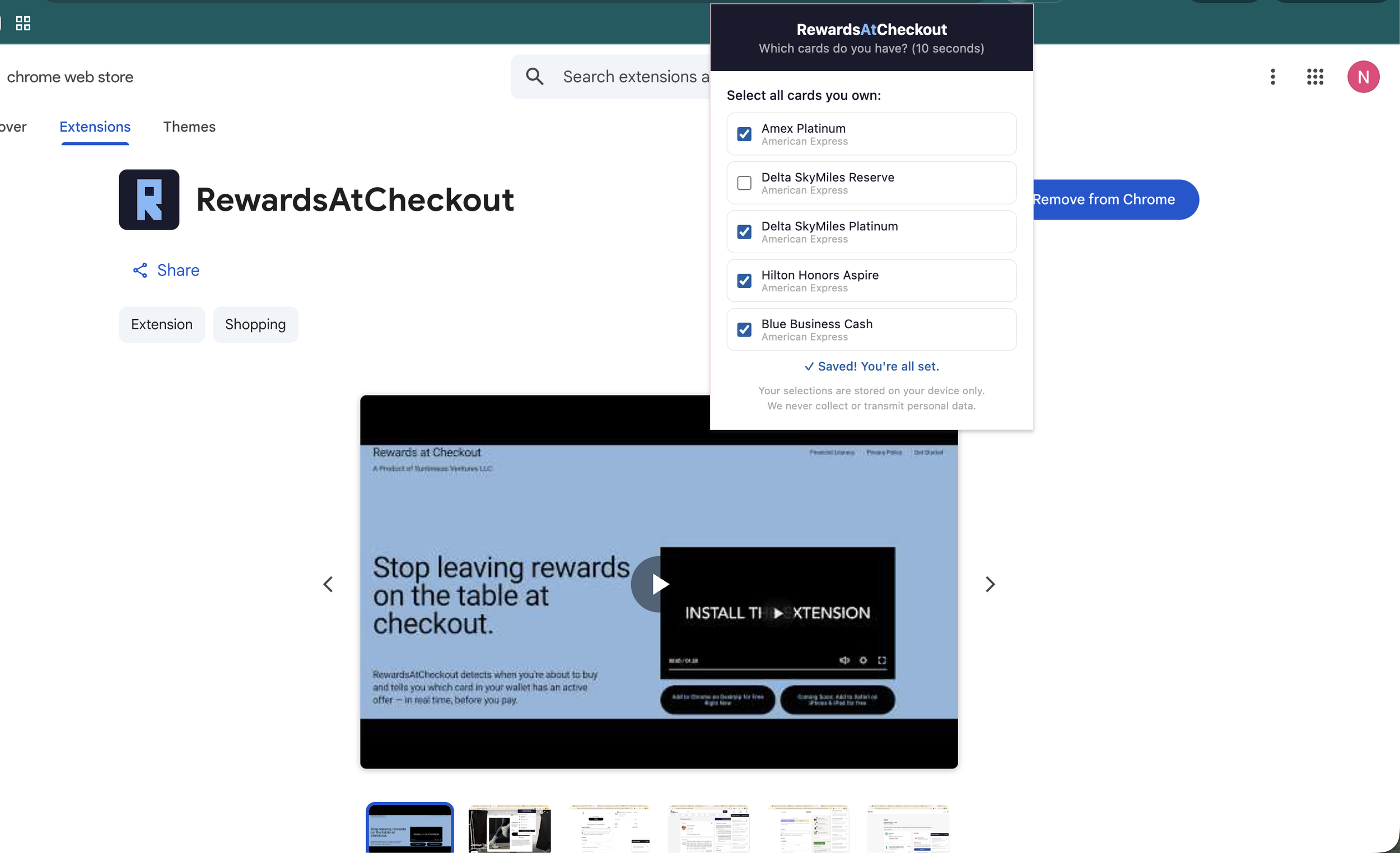
Use the checkboxes to select the cards you have and click save.
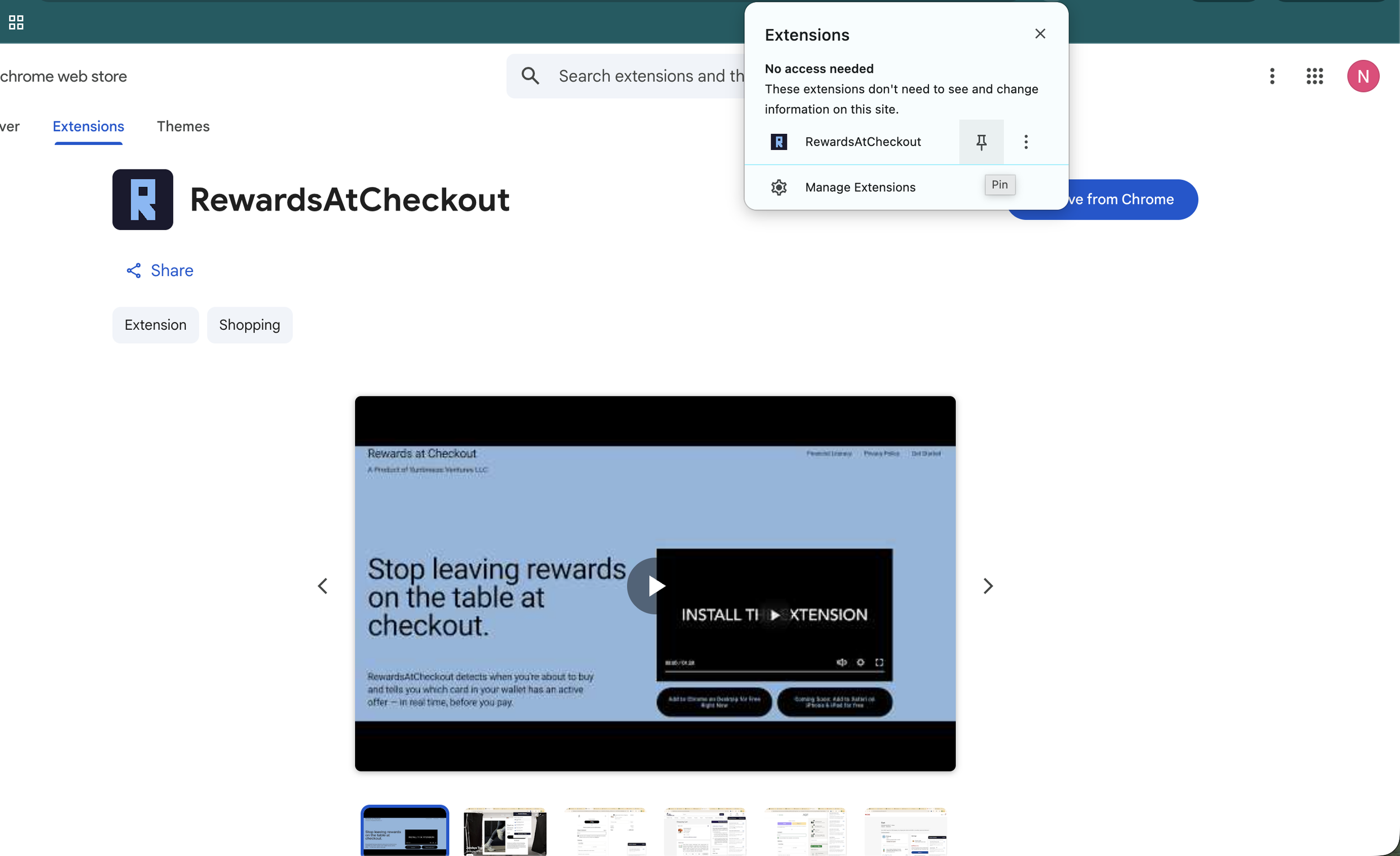
Click the RewardsAtCheckout icon to pin the extension
Start Shopping! Look for the extension at checkout.